

7 Signs Your VA Systems Are Holding You Back (and How to Fix Them Before 2026)

As we move deeper into December 2025, business owners are trying to wrap up the year while preparing for a smoother, more automated 2026. Yet many entrepreneurs don’t realize the bottlenecks holding them back come from outdated or inconsistent virtual assistant systems. Whether you’re a solo VA or a business owner managing support, your workflows determine how efficiently tasks get completed — and how confidently you scale.
At FirstGen Pro VAs, we consistently see clients transform their operations with a few small but intentional changes. Below are seven clear signs your VA systems need an upgrade — plus practical fixes you can implement this week.
1. Tasks Are Completed, But Not Consistent
If tasks get done but the quality varies by week or by who handles them, your SOPs (Standard Operating Procedures) likely lack clarity.
Fix: Start with micro-SOPs — short, step-by-step process documents. Our digital SOP templates help VAs create uniform workflows without writing from scratch.
2. You Spend Too Much Time Clarifying Instructions
When you constantly re-explain tasks, it’s a sign your systems don’t support autonomy.
Fix: Use Loom videos or process walkthroughs. Create a task brief template so information like deadlines, access links, and file formats are consistently provided.
3. Your Tools Don’t “Talk” to Each Other
Disjointed tech causes double work and missed updates.
Fix: Consider automation pairings like:
Slack + Google Calendar notifications
Notion + Zapier task creation
ClickUp + Email parsing
These integrations remove manual follow-up and reduce errors.
4. You Still “Remember” Tasks in Your Head
If your workflow depends on memory, it’s not a workflow — it’s a risk.
Fix: Move to a centralized task management system like Trello, Asana, or ClickUp. VAs can use our pre-built ClickUp starter templates for a fast setup.
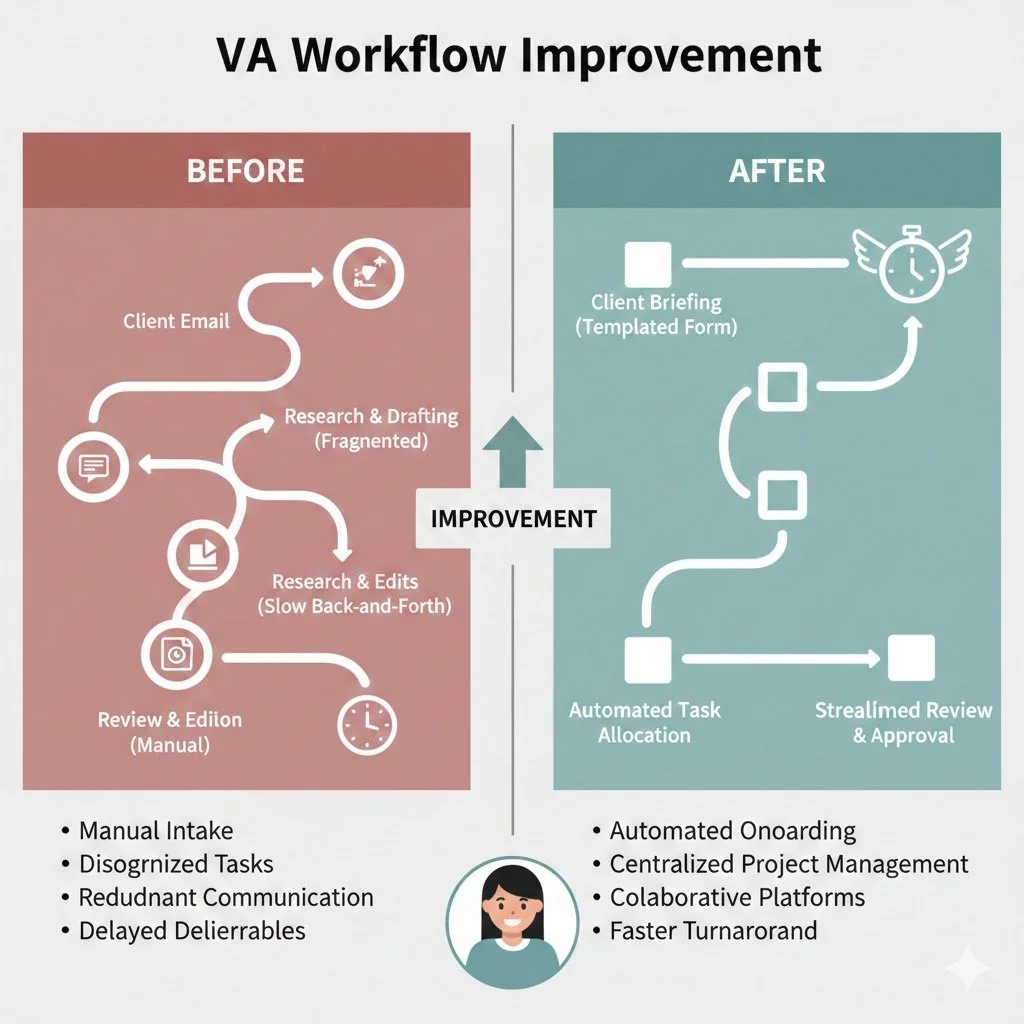
5. Client Onboarding Takes Longer Than It Should
A slow, repetitive onboarding process drains both time and energy.
Fix: Automate your onboarding sequence. For example:
Auto-send welcome packets
Pre-built intake forms
Calendar links synced with your availability
6. You Still Do Manual Data Entry
If you’re typing information manually between platforms, you’re losing hours each week.
Fix: Use AI-powered tools for automated extraction and syncing. December 2025’s trend: more VAs integrating light AI to reduce administrative time.
7. You Can’t Easily Track Performance
If you can’t measure task load, efficiency, or turnaround time, improvement becomes guesswork.
Fix: Create simple dashboards. Use time tracking or weekly summary reports to monitor productivity trends.
Conclusion
If even two of these signs feel familiar, it’s time to refresh your systems before January. Strong workflows increase your capacity, confidence, and client satisfaction. For VAs looking to streamline operations, our digital templates and service packages make it easier to optimize your backend without the overwhelm.
Want a smoother 2026? Download our free “VA Systems Starter Checklist” or explore our Done-For-You SOP setups at FirstGen Pro VAs.

